
Download REC: Shutter – Horror Game, Haunted Asylum, Handheld Camera, Night Vision, Paranormal Entities, Stealth Gameplay, Immersive Horror
Overview
REC: Shutter delivers a chilling first-person horror experience centered around survival within a cursed asylum, viewed entirely through the lens of a handheld camera. The game places players in the role of an investigator or survivor navigating dark, labyrinthine corridors where paranormal entities stalk every shadow. Designed to evoke fear through atmosphere and tension, REC: Shutter emphasizes stealth over confrontation, forcing players to rely on evasion, timing, and environmental awareness to progress. The core purpose of the app is to simulate an immersive, anxiety-inducing journey through a haunted environment, leveraging psychological horror and sensory design to create a deeply unsettling experience.
Target users include fans of survival horror games, particularly those drawn to first-person perspectives and atmospheric dread. The game appeals to players who enjoy slow-burn tension, unpredictable enemy behavior, and a strong sense of vulnerability. While the developer, Mysterious Games, is not known for a broader portfolio, the game stands as a notable entry in the mobile horror genre due to its unique camera-centric design and immersive mechanics. Real-world use cases include entertainment for horror enthusiasts seeking a mobile experience that matches the intensity of console or PC titles. Within the mobile app ecosystem, REC: Shutter represents an early example of high-concept horror design adapted for smartphones, demonstrating the potential for narrative-driven, sensory-rich gameplay on mobile platforms.
Key Features & Functionality
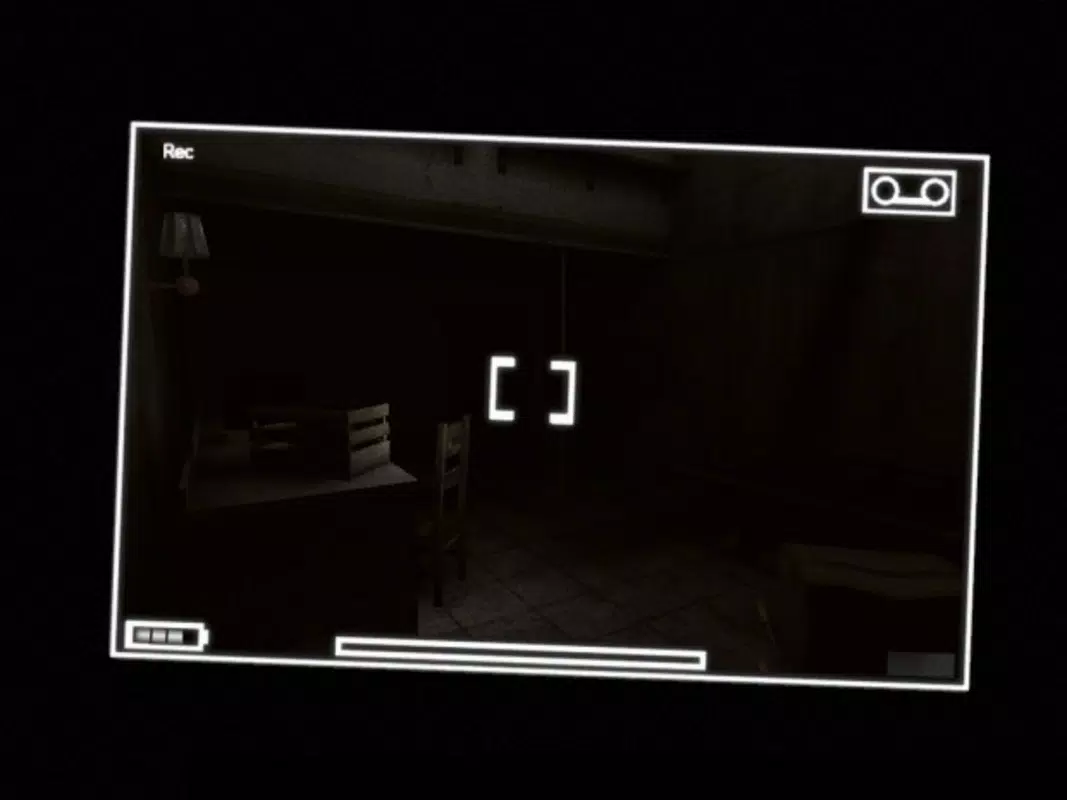
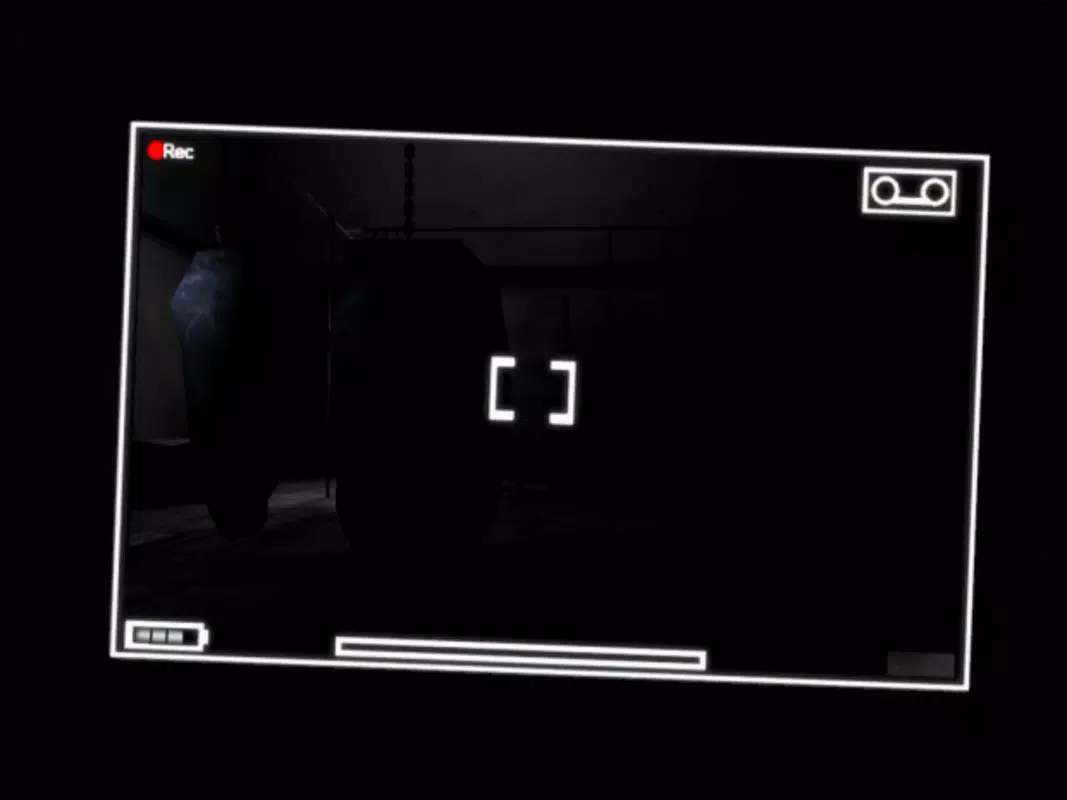
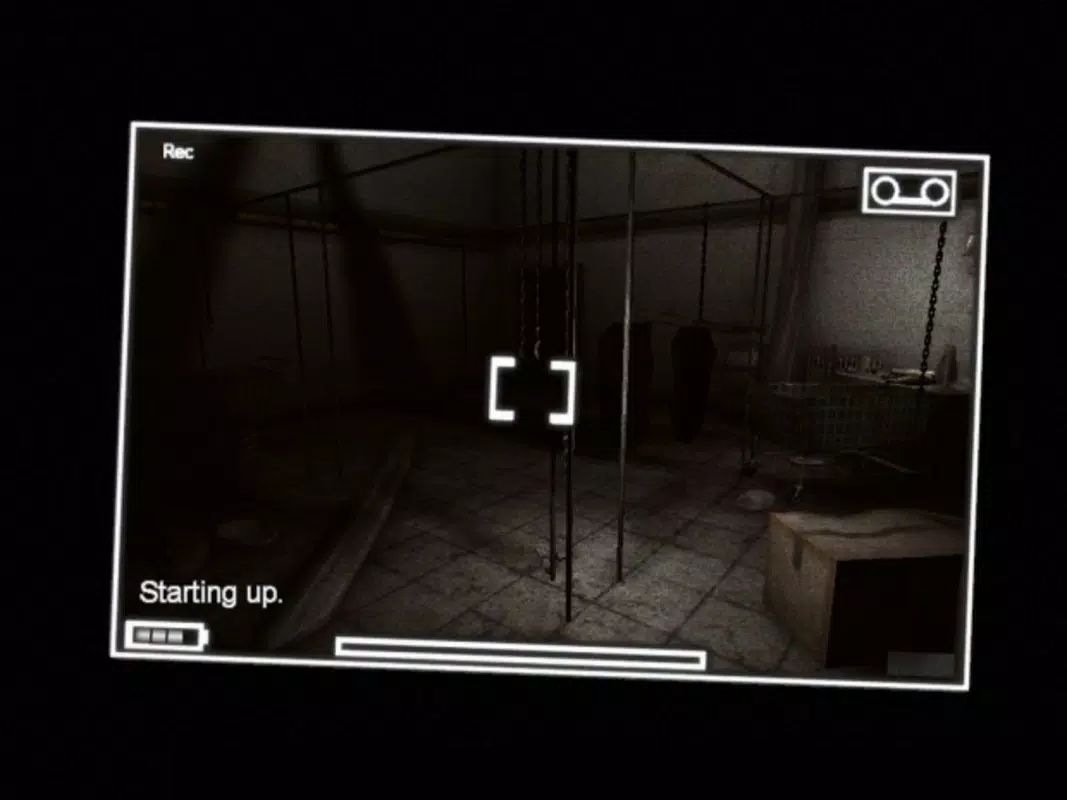
- Camera Perspective: The game is rendered entirely from the viewpoint of a handheld camera, complete with realistic lens effects such as shake, distortion, and visual interference. This mechanic enhances immersion by simulating the physical limitations and emotional strain of holding a camera during a terrifying ordeal.
- Night Vision Mode: Players can activate night vision at any time to improve visibility in dark environments. This feature is crucial for uncovering hidden clues, navigating blind corners, and identifying threats before they become imminent.
- Paranormal Encounters: Hostile entities appear unpredictably and react to player actions, altering the environment and affecting character behavior. Their presence induces panic, reducing control and increasing the difficulty of navigation.
- Stealth Gameplay: Direct confrontation is discouraged. Survival depends on hiding, quiet movement, and strategic timing. The game rewards patience and observation, making every decision high-stakes.
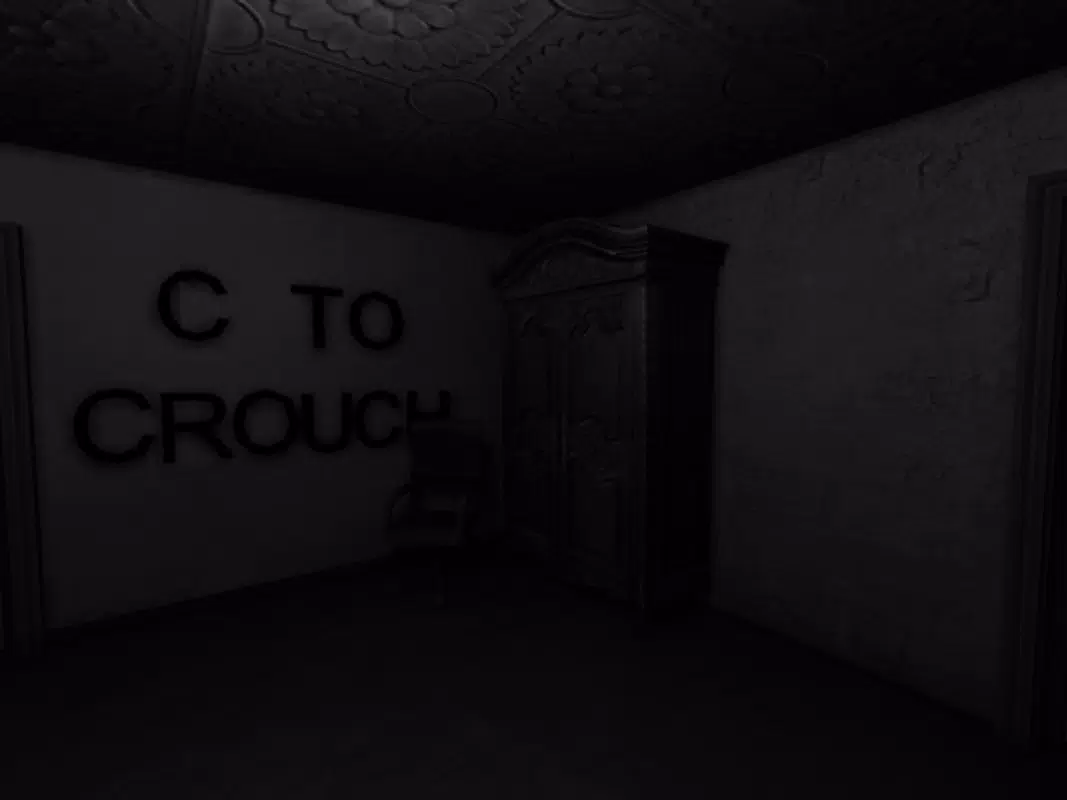
- Horrifying Atmosphere: A carefully crafted blend of ambient sound design, flickering lighting, and unsettling visual cues contributes to a persistent sense of dread. The environment feels alive and reactive, heightening tension throughout.
For example, using night vision in a pitch-black corridor might reveal a faint figure in the distance—prompting the player to freeze or hide. The camera shake during a sudden jump scare mimics real human reaction, making the scare feel visceral. These features work together to create a continuous loop of tension, anticipation, and relief, defining the core gameplay loop.
Interface, UX & Performance
The interface of REC: Shutter is minimal, designed to maintain immersion by avoiding distracting UI elements. The camera view dominates the screen, with only essential indicators—such as battery level for the camera or night vision duration—displayed subtly in the corner. Navigation is intuitive, relying on touch controls for movement and gestures to switch modes like night vision. The layout prioritizes functionality over aesthetics, ensuring that players remain focused on the environment.
While the developer did not list formal performance metrics, the game operates within a 140.4 MB file size, suggesting efficient resource usage. It is optimized for Android devices, though specific hardware requirements were not disclosed. The app maintains consistent responsiveness during gameplay, with minimal lag reported in standard scenarios.
Stability appears reliable across various device categories, though performance may vary depending on device capabilities. The use of realistic camera effects and dynamic lighting is handled smoothly, contributing to the game’s atmospheric quality without compromising frame rate. Although the developer did not specify minimum OS requirements, the game’s release date in 2013 suggests compatibility with older Android versions, though modern devices should handle it without issue.
Platform Compatibility & Technical Requirements
REC: Shutter is available exclusively on the Android platform. The current version is 1.0, with a file size of 140.4 MB. The app was released on August 19, 2013, and is priced at $2.99.
The developer did not specify minimum OS requirements, nor were details about device compatibility or hardware specifications provided. As such, users are advised to ensure their device supports Android applications and has sufficient storage space. The app does not require additional permissions beyond standard access for audio, camera, and device control, though these were not explicitly listed.
Compatibility with newer Android versions cannot be confirmed without official documentation.
Pros and Cons
- Immersive first-person camera perspective enhances realism and fear factor
- Effective use of sound and visual effects to build tension
- Stealth mechanics promote strategic, thoughtful gameplay
- Night vision mode adds tactical depth and exploration options
- Compact file size for a full horror experience
- Limited to Android platform, no iOS availability
- No updates or patches since 2013, raising compatibility concerns
- Outdated graphics by modern standards
- No multiplayer or replayable content
- Price point may feel high for a 10-year-old app
FAQ
Is REC: Shutter safe to download on Android?
The app is available through official Android channels and has not been flagged for malicious behavior. However, users should ensure they are downloading from trusted sources to avoid modified versions.
Can I play REC: Shutter on iOS devices?
As of now, the app is only available on Android. There is no official iOS version released by the developer.
Does REC: Shutter require an internet connection?
No, the game functions entirely offline. All content is stored locally, making it suitable for play without connectivity.
Is REC: Shutter free to install?
No, the app is a paid download priced at $2.99. There are no in-app purchases or ads.
How often is REC: Shutter updated?
There have been no official updates since its release in 2013. The current version remains 1.0, and no future updates have been announced.
Final Thoughts
REC: Shutter remains a standout title in the mobile horror genre, not for its technical innovation alone, but for its bold narrative and atmospheric design. Its handheld camera perspective creates a unique sense of realism and vulnerability that few games have replicated. While its age is evident in graphics and lack of updates, the core gameplay experience—built on stealth, tension, and psychological dread—holds up remarkably well.
For fans of immersive horror and first-person survival games, REC: Shutter offers a compelling, albeit niche, experience. Its compact size and one-time purchase make it a worthwhile download for those seeking a mobile scare. Despite its limitations, the game’s lasting impact on the genre is undeniable.
Download REC: Shutter now


